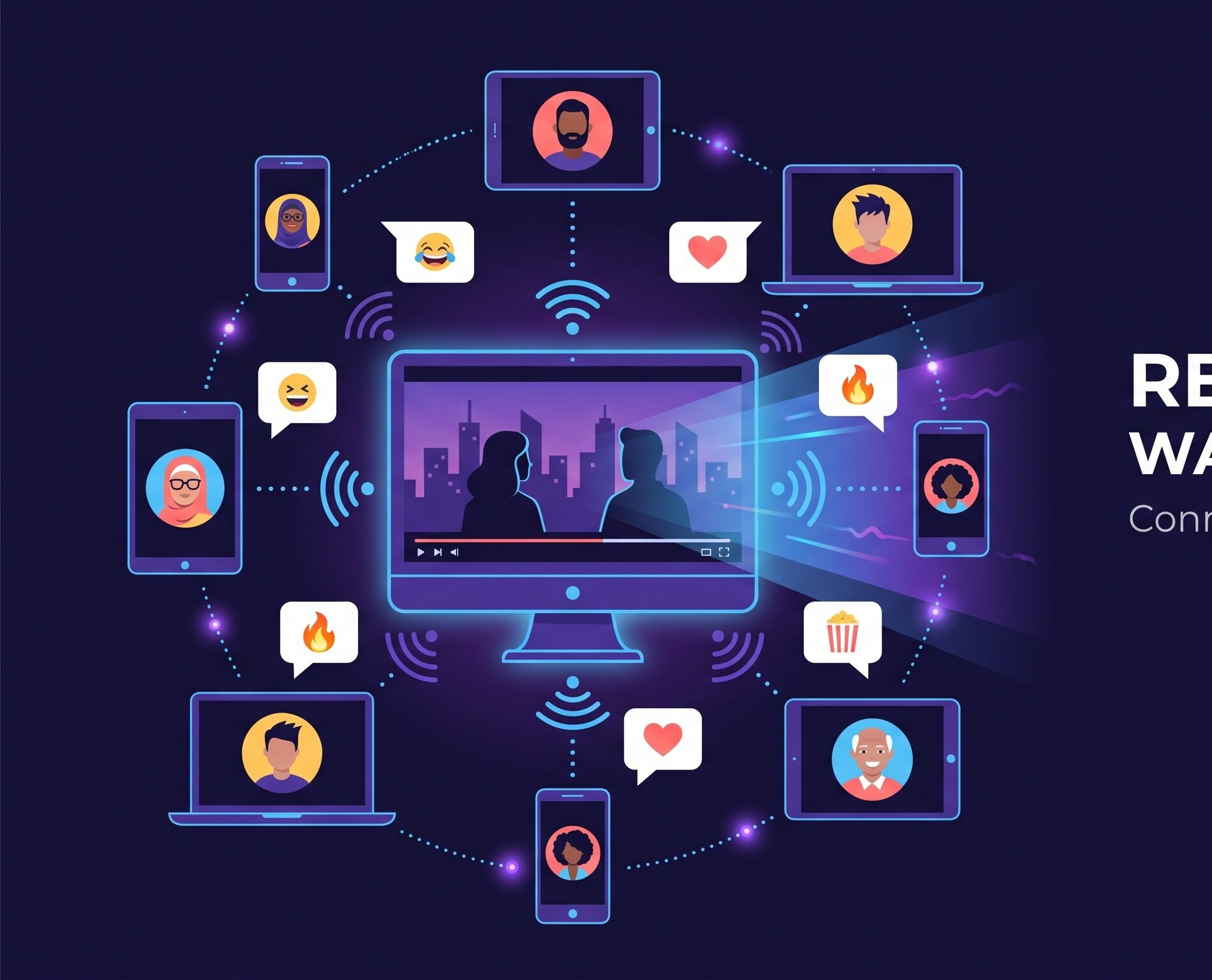
Chat that never covers the picture.
Messages rest at a whisper over the stream and come into focus as people talk — the movie stays the main thing.

P2P screen parties · watch in sync
Watch shows, movies, and browser tabs together with friends in real time. Share your screen — with system audio — and everyone stays in sync on a direct peer-to-peer connection. Nothing is stored or routed through a server.
No account · link expires in 24h · P2P
Sharing your screen
When you start a party, Chrome opens its screen picker. The one trick is the audio — here's the whole flow.
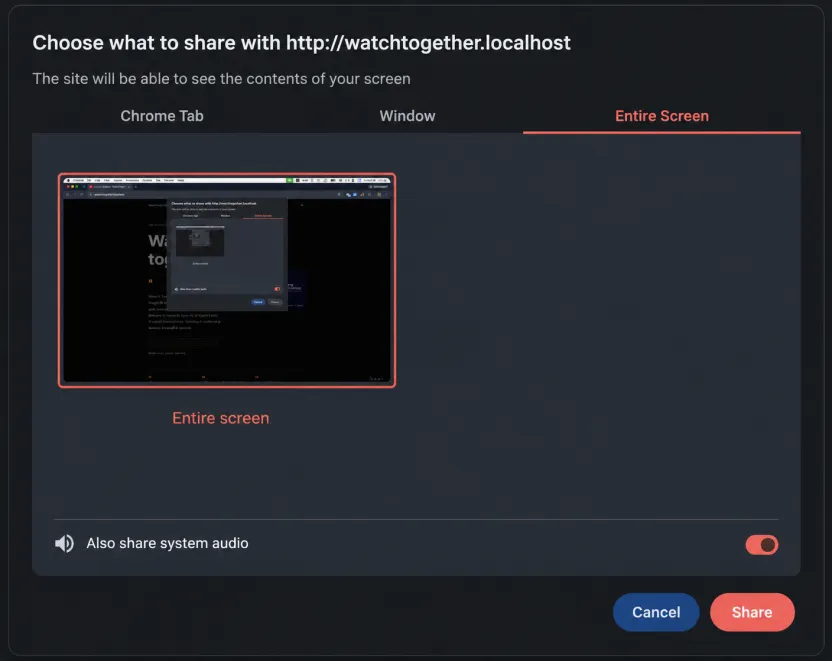
Pick the tab or window playing the show.
Tick Share system audio so the sound travels with the picture.
You're live — copy the room link and it's a party.
Then what
Friends open the short room link. Nothing to install.
Everyone lands on the same screen, right where you are.
Same moment, no lag, no server in the middle.
React together
Quick thoughts land as chat; bigger ones as voice notes. Both ride along on the shared screen without stopping the film.
Messages rest at a whisper over the stream and come into focus as people talk — the movie stays the main thing.
Hold the mic, say it out loud, let go. It arrives as a playable bubble with its waveform lighting up as it plays.
Privacy by design